
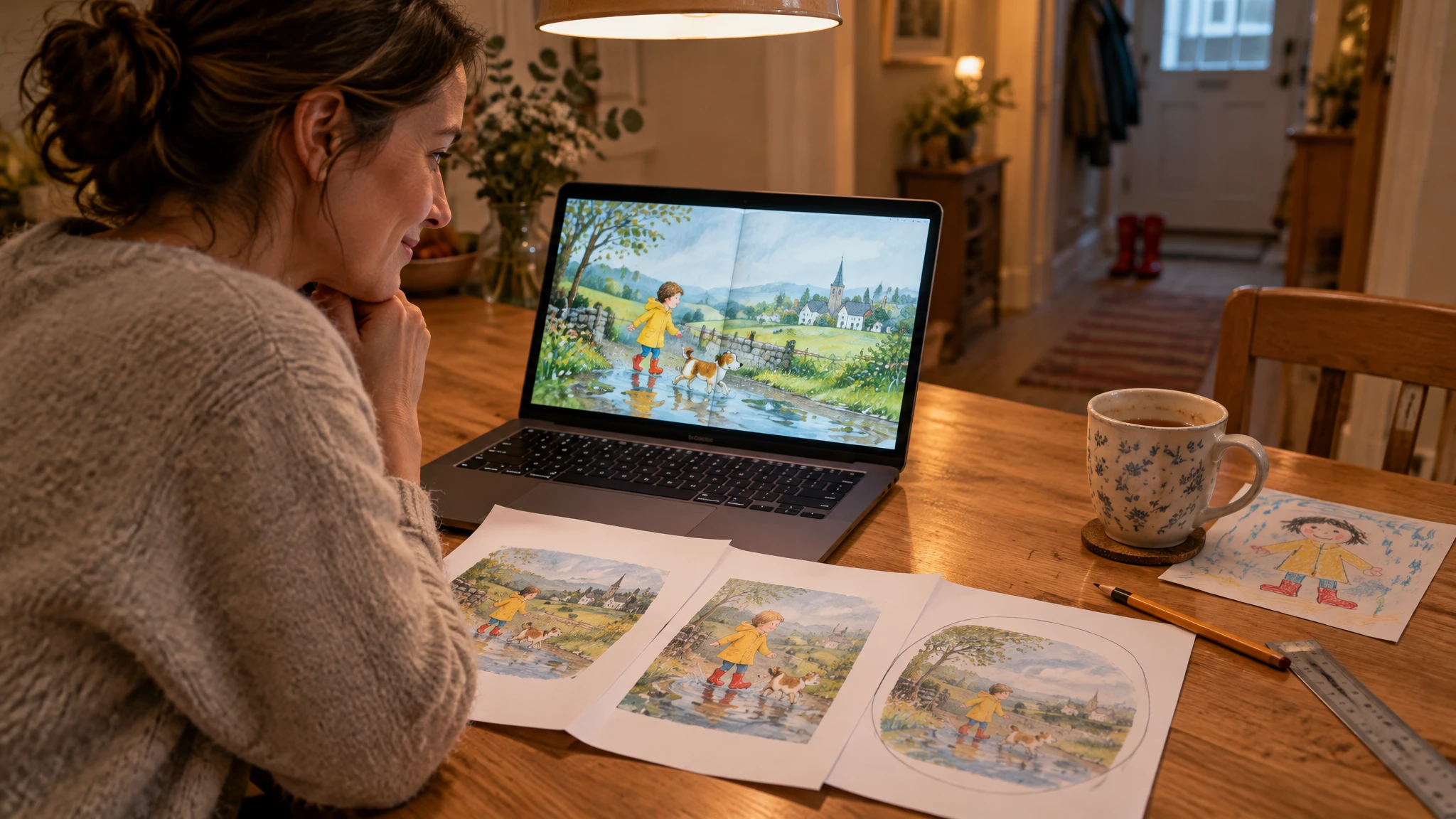
How to make a children's book on Canva: the complete step-by-step tutorial (and where it gets stuck)
Yes, you can make a children's book on Canva: the layout works on the free plan, the whole project fits into one or two evenings, and a printed hardcover photo book costs a few tens of euros after that. The method that works is to write the story before you open Canva, lock the format and page count from the start, and export a print PDF with bleed. The one thing Canva will not do for you is keep the same child, your child, from one page to the next.
Full disclosure: Looma Stories sells personalized books, illustrated with AI from photos of the child. This tutorial still describes Canva as it is, because for plenty of families it is the right tool, and at the end we say when our online book makes more sense.
Before you open Canva: two decisions that save you an evening
Step 1. Write the whole story in a plain document
Writing straight into a pretty template means bending the story to fit the boxes instead of the other way round. Write the full text somewhere else, then split it into scenes, one per page or per spread. Rough lengths: 150 to 250 words at age 2 or 3, 300 to 600 words between 4 and 6, up to 1,000 words around 7 or 8. Read it aloud once: any sentence you trip over now, you will trip over at bedtime too. If you are stuck for ideas, an assistant like ChatGPT gives a useful first draft; we covered its strengths and limits in our honest comparison of ChatGPT, Gemini and Claude.
Step 2. Fix the format and page count before you lay anything out
Changing size halfway through breaks the layout, and automatic resizing is a Pro feature. So decide now where you will print. With Canva's own printing, a photo book is designed in landscape or square, with 20 to 98 inside pages. Twenty pages is more than it sounds for eight to twelve scenes: add a title page, a dedication, a "This book belongs to" page, two picture-only pages and a closing page with a photo of your child and the date. If you use another printer, download their technical spec sheet before page one: accepted page counts and exact trim sizes are listed there, and they differ from one printer to the next.
Inside Canva: the layout, page by page
Step 3. Start from a storybook template, then simplify it
Search for "storybook" or "children's book" and filter by your format. Templates with a crown are Pro only. Then build one master page (background, text box always in the same place, same font size) and duplicate it: text that jumps from corner to corner tires a child's eyes. Two fonts at most.
Step 4. Pictures: three ways to do it, and what each one really gives you
- Their real photos. The likeness is perfect by definition, but the book reads like a memory album rather than a tale, which suits a toddler who loves seeing themselves. A common variant: cut your child out with the background remover (Pro only) and place them on illustrated scenery. It works, but the collage look shows as soon as the light in the photo does not match the scene.
- Canva's illustration library. There are child characters in dozens of styles. Pick one illustrator or one set and stick to it, or your hero will change style on every page. You can nudge the character toward your child (hair, glasses), but it will be someone who vaguely resembles them, not them.
- Canva's AI image tools. Magic Media, in the editor's side panel, and Dream Lab, from the home page, generate images from a description (Dream Lab offers four per prompt). Dream Lab accepts a reference image, which Canva's help pages say guides the style or composition; nothing there promises the same face across twenty images. In practice you generate a lot, keep the closest ones, and accept that hair, age or clothes drift. Every generation uses your AI allowance, and the free plan lists up to 20 uses: a whole book burns through that fast.
Whichever route you take, use high-resolution images: sharp on screen does not mean sharp on a full printed page.
Step 5. Text: readable from a distance, away from the edges
A children's book is read side by side, often by night-light. Aim for 16 to 24 point depending on size, a plain font and strong contrast: on a busy picture, put the text on a light, semi-transparent band. Then switch on Canva's print guides (File, then Settings): "Show margins" draws the zone your text should stay inside, and danger zone detection turns anything too close to the trim line red. On a landscape book, also keep text away from the middle of the spread, where the binding runs.
Export and print without nasty surprises
Step 6. Export a print PDF with bleed
Bleed is the strip printed past the trim line that gets cut away. In Canva it is fixed at 0.125 inches (3.175 mm) on every side. Turn on "Show print bleed" (File, then Settings) and stretch every background and full-page picture out to the outer dotted line, or a thin white edge will appear after trimming. To export: Share, Download, file type "PDF Print", and tick "Crop marks and bleed". If the book contains Pro elements and you have no subscription, Canva charges for them at download. Then read the PDF at 100%: that is where you catch the typo on page 14.
Step 7. Print: via Canva, or by sending the PDF to another printer
The easiest route is to order straight from the editor, if Canva Print covers your country: it ships in Europe, the UK and North America, among other regions. The photo book comes in softcover or hardcover, from about 27 euros in Europe for the softcover at the time of writing, more for the hardcover; on the hardcover, the inside covers and endpapers are left blank. Otherwise, send your PDF to any photo-book printer and check their bleed requirements, since Canva's cannot be changed. Allow one to two weeks from order to delivery, longer in December.
Each step, its time, and what can go wrong
| Step | Time | What can go wrong |
|---|---|---|
| 1. Write the story | 45 min to 1 h 30 | text too long for the age, overflowing the pages |
| 2. Format and page count | 15 min | a format picked at random that the printer rejects |
| 3. Template and master page | 30 min | a Pro template you only notice at export |
| 4. Pictures | 1 h 30 to 3 h | a hero whose face or style changes from page to page |
| 5. Text and margins | 30 to 45 min | text clipped at the trim or swallowed by the binding |
| 6. Print PDF with bleed | 20 min | a white edge around the page, a blurry picture |
| 7. Printing and delivery | 1 to 2 weeks | an order placed too late for the date |
| Total | 1 to 2 evenings, plus printing time | an extra evening you did not plan for, if it is all left to the last night |
Canva Free or Canva Pro: what changes for a book
The free plan is enough to make a book from start to finish: free templates and illustrations, print PDF export, ordering through Canva Print. Pro, at around a hundred euros a year (110 euros in France at the time of writing), adds what saves time on this particular project: premium templates and illustrations, the background remover for cutting out photos, automatic resizing, and about ten times the AI uses of the free plan. For a one-off project, the free Pro trial is often enough: just note when it ends.
The real sticking point: your hero's likeness
A book where the child is the hero works because they recognize themselves on every page. In Canva you choose between likeness (their photos, so an album) and illustration (a generic character, or AI images that drift). Three workarounds limit the damage. Give the hero a signature detail that comes back everywhere, red boots, the cuddly toy, a cap: your child will spot it before the face. Favor scenes where the hero is seen from behind, from afar or in profile. And save their photo for the cover and the last page to tie it together. Good compromises, but not their face drawn from page to page.
When Canva is the better choice
- You want a photo album. The year they turned three, the first summer at the beach, the new baby brother: with real photos, Canva shines and likeness is never an issue.
- You enjoy the layout. For some parents, the two evenings spent choosing colors are part of the gift. That is an excellent reason to do it yourself.
- You need a custom format or several copies. A booklet for daycare, one copy per grandparent: Canva leaves you in charge of format and quantity.
FAQ: what parents ask
Can I make a children's book on Canva for free?
Yes, for the design: free templates, free illustrations and print PDF export are all on the free plan. You pay for printing, and for premium elements if you use them without a subscription. AI use is limited on the free plan, though, which matters if you want to generate every picture.
How much does it cost to print a book made on Canva?
Canva's photo book starts at about 27 euros in Europe and goes up with size, hardcover and page count. The exact price shows in the order panel as soon as you pick the cover and size.
Can Canva's AI keep the same character on every page?
Not reliably. A reference image in Dream Lab guides the style or composition, and with enough attempts you get images that look close. But face, hair or age usually shift from scene to scene, and the character is not your child to begin with.
How long should I plan for?
Four to six hours of work spread over two evenings, with the pictures taking the biggest share, then one to two weeks for printing and delivery. For a birthday or Christmas, leave three weeks between your first evening and the big day.
Where Looma fits
Our personalized children's book starts from the same idea as your Canva book, but the illustration and layout are done for you. From a few photos, your child becomes the hero of a 36-page illustrated story, with a likeness that holds from page to page. Up to four other characters can join them (parents, siblings, grandparents, the pet or the cuddly toy), each drawn from a photo. You write your own story idea or pick a theme, in one of six languages. You pay €3.99 for the ebook, it is ready in about two hours, then you read the whole book, edit every sentence and have any picture redrawn before the final version. The hardcover is an optional €24.99 extra, with delivery priced at checkout, printed and delivered in 10 to 14 working days in Europe. Torn between an album of their photos and a book where their photos become illustrations? Our photo book for kids page explains the difference. And if you have decided, you can create your child's book in about ten minutes.